

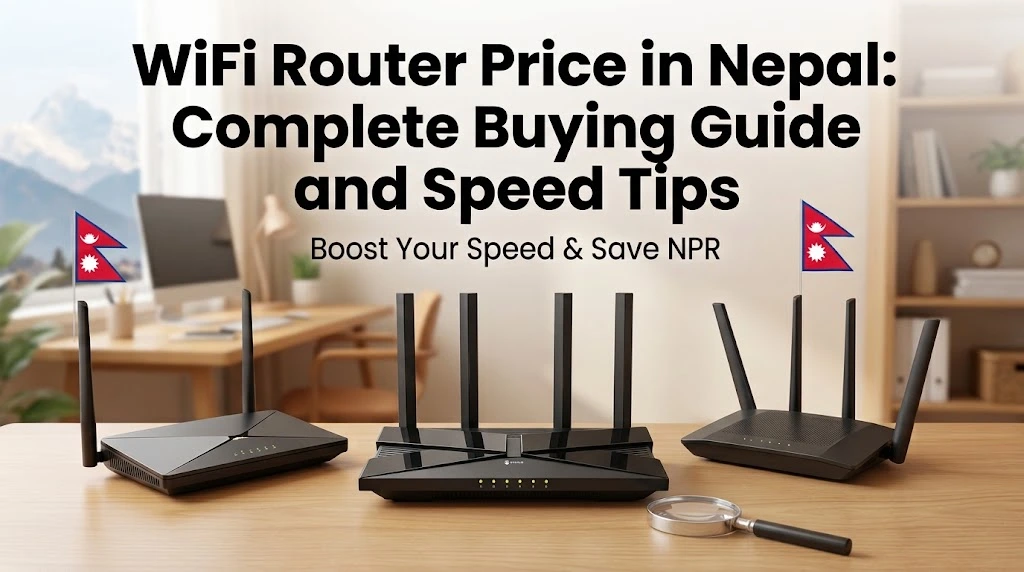

You pay for a 300 Mbps internet plan, but your bedroom barely gets a usable signal. Video calls freeze, online games lag, and the kids fight over the one spot near the router. In most Nepali homes, the problem is not the internet plan. It is the router, its placement, or the building itself.
Concrete walls, multi-storey houses, and crowded apartment WiFi channels make coverage difficult. This guide explains what type of router you need, how much routers from ISPs cost, which specifications actually matter, and simple ways to boost WiFi speed without spending much.
Why Your Router Matters More Than Your Plan
Your internet reaches home through fiber and an ONU (the device your ISP installs). The router then spreads that connection wirelessly. If the router is old, uses only 2.4 GHz, or sits in a corner behind a steel cupboard, you lose much of the speed you paid for.
Many Nepali ISPs now push dual-band and WiFi 6 upgrades precisely because older single-band routers cannot deliver 200 Mbps and above across a home.
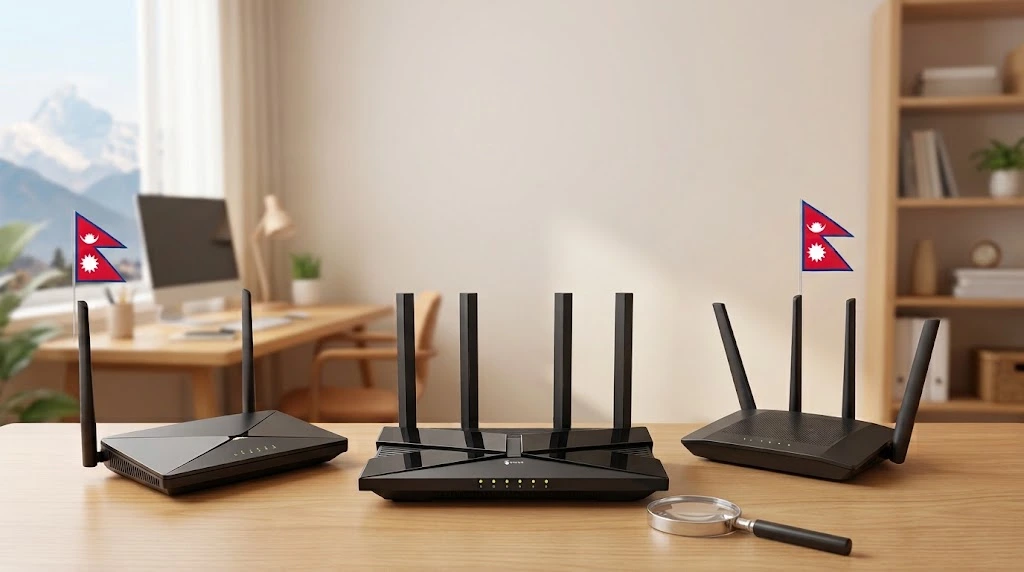
Types of Routers Explained
| Router Type | Best For | Pros | Cons |
| Single-band (2.4 GHz) | Very basic use | Long range, cheap | Slow, crowded, outdated |
| Dual-band WiFi 5 (AC) | Small flats | 5 GHz gives faster speed | Weaker through walls |
| Dual-band WiFi 6 (AX) | Most modern homes | Faster, handles many devices | Costs more |
| Mesh system | Multi-storey houses | Seamless coverage across floors | Most expensive |
| Range extender | Fixing one dead zone | Cheap and easy | Can halve speed |
| 4G LTE router | Areas without fiber | Works with SIM data | Depends on mobile signal |
Router Costs From Nepali ISPs (2026)
Most people get a router from their ISP. Here are examples of published device charges:
| ISP Device Offer | Cost Reported |
| Vianet dual-band router with Ultra-fi 200 Mbps plan | Rs 500 |
| Vianet WiFi 6 ONU deposit (new WiFi 6 plans) | Rs 1,000 deposit |
| Vianet WiFi 6 mesh router | Rs 3,500 |
| Vianet upgrade from old router to WiFi 6 | Rs 500 |
| WorldLink Nokia Beacon 1.1 (secondary node) | Rs 1,500 deposit per unit |
| WorldLink Nokia Beacon 3.0 mesh node (1 Gbps plans) | Rs 8,000 rental, Rs 2,000 deposit, Rs 3,000 installation per node |
| WorldLink ONU deposit for 600 Mbps and 1 Gbps plans | Rs 500 |
Retail routers from brands like TP-Link, Mercusys, Tenda, ASUS, and Xiaomi are also sold in Nepal. Their prices vary by shop, stock, and exchange rate, and electronics prices have risen in 2026 due to component costs. Compare at least two authorised sellers before buying.
For full ISP plan comparisons, see our best internet packages in Nepal 2026.
Which Router Should You Choose?
| Home Type | Recommended Setup |
| Single room or small flat | Dual-band WiFi 5 or entry WiFi 6 |
| 2 BHK apartment | Dual-band WiFi 6 router placed centrally |
| 3 storey house | Mesh system with one node per floor |
| Home office with many devices | WiFi 6 router plus mesh node |
| Gamers | WiFi 6 router, or wired LAN connection for the console or PC |
| Village without fiber | 4G LTE router like Ntc Namaste WiFi |
Specifications That Actually Matter
- WiFi standard: Choose WiFi 6 (802.11ax) if possible. It handles many phones, TVs, and laptops better.
- Dual-band or tri-band: Must have 5 GHz for high speeds.
- Gigabit ports: Look for 10/100/1000 Mbps LAN and WAN ports. A 100 Mbps port will cap a 300 Mbps plan.
- Mesh support (EasyMesh or brand mesh): Lets you add nodes later.
- Antennas and beamforming: Help direct signal toward devices.
- MU-MIMO and OFDMA: Improve performance when many devices are connected.
- App management: Makes setup, parental controls, and updates easier.
- Warranty and local support: Buy from authorised distributors.
What Do Router Speed Labels Mean?
| Label | Standard | Real Meaning |
| N300 | WiFi 4 | Old, fine only for basic browsing |
| AC1200 | WiFi 5 | Good for small homes |
| AX1500 or AX1800 | WiFi 6 | Great for most homes |
| AX3000 | WiFi 6 | Strong option for busy homes |
| BE series | WiFi 7 | Premium, future-ready |
The number is the combined theoretical maximum across bands, not the speed you will see on one phone.
12 Easy Ways to Boost WiFi Speed at Home
- Place the router centrally and high, not on the floor or inside a cabinet.
- Keep it away from microwaves, fridges, mirrors, and steel almirahs.
- Use 5 GHz for nearby devices and 2.4 GHz for far rooms.
- Separate or rename bands if devices keep connecting to the weaker one.
- Change the WiFi channel in router settings if neighbours’ networks overlap.
- Restart the router once a week.
- Update router firmware from the admin panel or app.
- Use a LAN cable for smart TVs, desktops, and gaming consoles.
- Add a mesh node on each floor in multi-storey houses.
- Set a strong WPA2 or WPA3 password so neighbours are not using your bandwidth.
- Limit background downloads and cloud backups during video calls.
- Check your plan speed with a speed test near the router. If it is slow even there, call your ISP.
Common WiFi Problems and Fixes
| Problem | Likely Cause | Fix |
| Fast near router, slow in rooms | Walls blocking 5 GHz | Add mesh node or move router |
| Frequent disconnections | Overheating or old firmware | Improve ventilation, update firmware |
| Slow at night | Neighbour channel congestion or FUP | Change channel, check ISP usage |
| Only 90 to 100 Mbps on wired devices | 100 Mbps port or cable | Use gigabit router and Cat6 cable |
| Smart TV buffers | Weak signal | Use LAN or place node near TV |
Router Security Tips
- Change the default admin password.
- Disable WPS if you do not use it.
- Create a separate guest network for visitors.
- Turn off remote management unless needed.
- Keep firmware updated to fix vulnerabilities.
Weak router security can expose your devices to hackers. If you ever face account takeover or fraud, follow our guide on how to report online fraud to the Cyber Bureau Nepal.
Router, Fiber, or Mobile Data?
If fiber is not available at your location, a 4G router with a data pack can work as a temporary solution. Compare costs with our Ntc vs Ncell data pack guide. Satellite internet is also a hot topic, but it is not licensed yet. Read the latest on Starlink in Nepal.
Router Placement Guide for Nepali Homes
| Home Layout | Best Placement |
| Single-floor flat | Central hallway or living room, above furniture height |
| Two-storey house | First floor ceiling area or top of stairway, add a node upstairs if needed |
| Three or four-storey house | One mesh node per floor, placed in the same vertical line |
| Long building with rooms in a row | Router in the middle room, not at one end |
| Rooftop or terrace office | Separate node connected by LAN cable |
Concrete slabs and brick walls common in Nepali houses block 5 GHz signals heavily. If your fiber enters at ground floor, ask your ISP to route the cable to a more central location during installation. It is much cheaper to plan placement at installation time than to add extra devices later.
Conclusion
The right router can make an ordinary internet plan feel twice as fast. Choose WiFi 6 where possible, use mesh for multi-storey homes, place the router smartly, and keep it updated. Router prices change often, so compare ISP upgrade offers and authorised retailer prices before you buy.
Frequently Asked Questions
1. What is the best type of WiFi router for a Nepali house?
For most homes, a dual-band WiFi 6 router works well. Multi-storey houses with concrete walls should use a mesh system with a node on each floor.
2. How much does a WiFi 6 mesh router cost from an ISP?
Costs vary. For example, Vianet has offered a WiFi 6 mesh router for Rs 3,500, while WorldLink’s Beacon 3.0 mesh node for high-speed plans involves Rs 8,000 rental plus deposit and installation.
3. Should I buy my own router or use the ISP router?
ISP routers are easier for support. Buying your own can give better coverage or features, but make sure it supports your ISP’s connection settings.
4. Why is my WiFi slow even with a 300 Mbps plan?
Common reasons include router placement, 2.4 GHz connection, old router ports, walls, or channel congestion. Test speed near the router first.
5. Do range extenders work well?
They can fix one dead zone, but they often reduce speed. Mesh systems usually perform better in larger homes.
6. How often should I replace my WiFi router?
If your router is more than four or five years old, only supports 2.4 GHz, or cannot deliver your plan speed near the router, it is a good time to upgrade.








1 Comment
[…] WiFi Router Price in Nepal 2026: Complete Buying Guide and Speed Tips […]